Web app planner
Life Edition OS
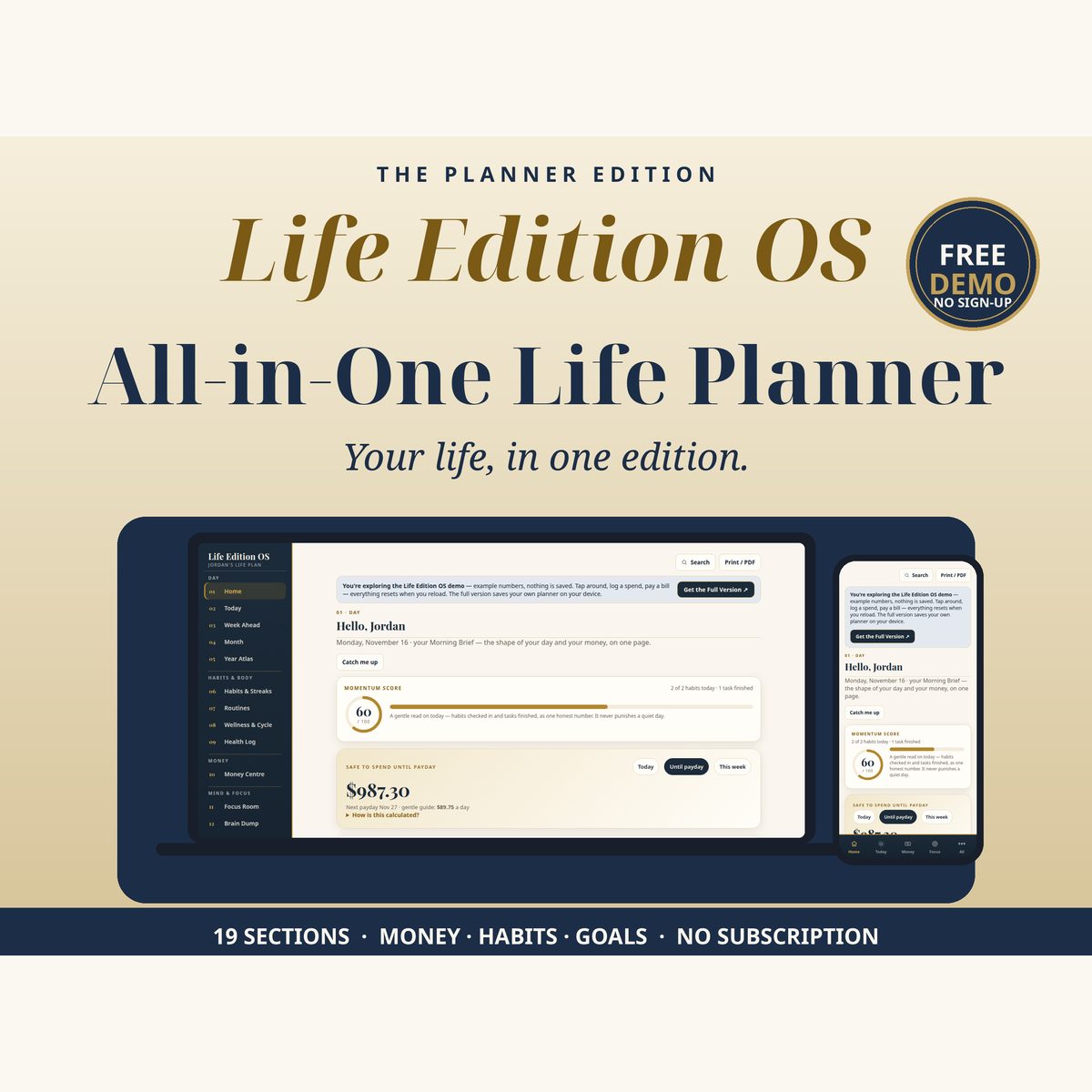
An all-in-one life planner with 19 connected sections - planning, habits, budget, goals and life admin in one calm Ivory and Ink app that runs in your browser, with your data staying on your device.
$14.99Pay once. No subscription.
Purchase and instant download happen on Etsy.
Web app. Needs an internet connection to open. Your data stays on your device.

About this planner
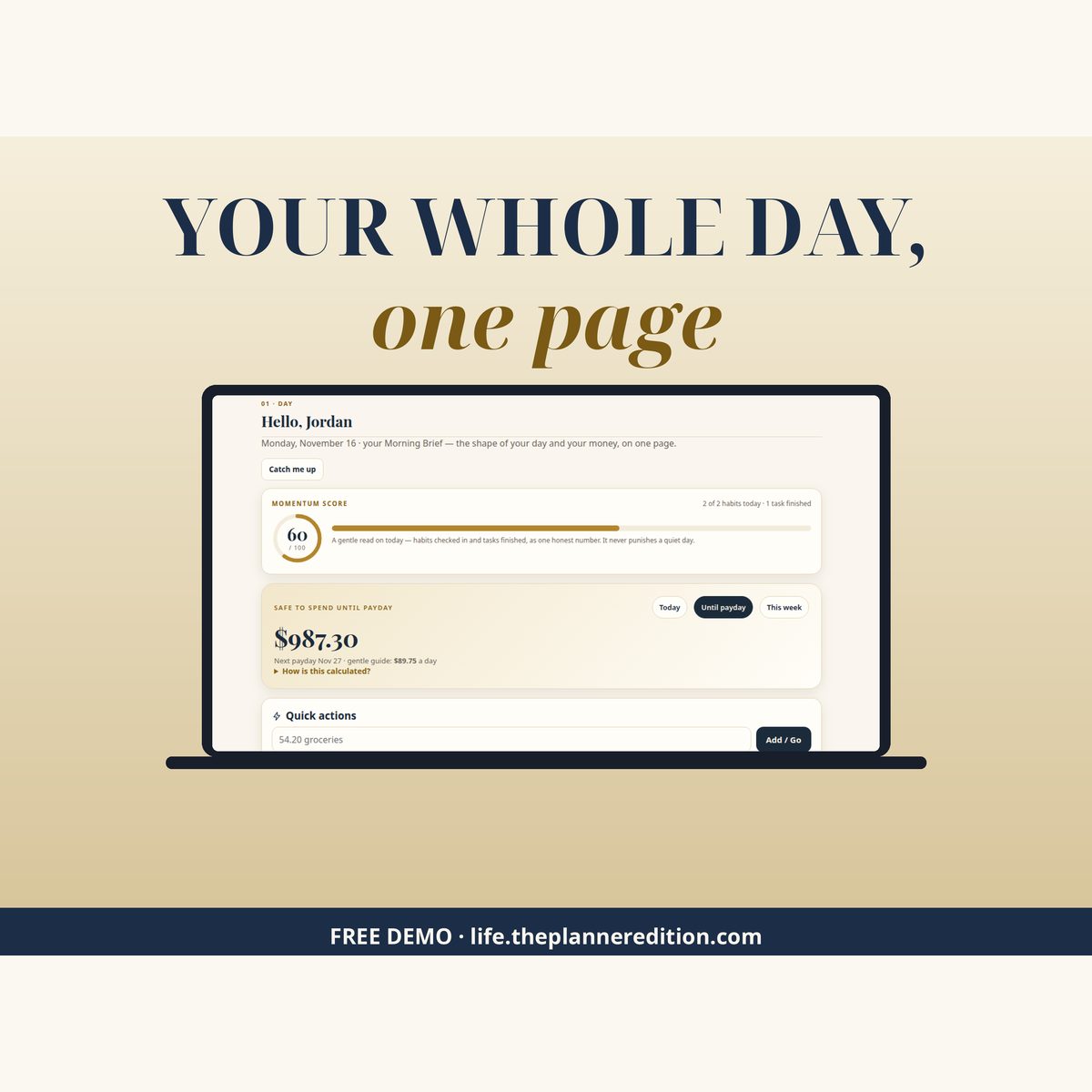
Life Edition OS is the flagship planner: 19 sections covering the whole of life admin in one place - daily, weekly and monthly planning, habits, budget, goals and the records a household actually needs, instead of five separate apps that never talk to each other.
It runs in your browser on phone, tablet and computer, in six languages including Arabic with right-to-left layout, and your data stays on your own device - photos you attach are stored on the device only. An optional four-digit PIN can lock the screen on a device, and it is off by default and never required.
The free demo opens the real app with a sample plan, so you can click through the sections before deciding. This is a planning tool; sample figures in the demo are examples only.
What it helps you do
Everything in one edition
19 connected sections replace the pile of separate planners, trackers and notebooks.
Calm by design
One consistent Ivory and Ink design across every section, with light and dark looks.
Private by default
Your data stays on your device, nothing is uploaded, and an optional PIN lock is there if you want it.
Feature breakdown
19 sections
Planning, habits, budget, goals and life admin sections in a single app, designed to be used together.
Six languages
Six language options including Arabic with full right-to-left layout.
Optional PIN screen lock
A four-digit PIN can lock the planner on your device. It is optional, off by default, and described honestly in the app as a screen lock.
How it works
1
Try the free demo
Open the real app with a sample plan. Every button works.
2
Buy once
One payment. No subscription, and no account needed to use the app.
3
Receive and open
Instant delivery of the ZIP, then the launcher opens the app in your browser.
What is included
- A ZIP file with everything you need, delivered instantly after payment.
- Start Here PDF - the short first-steps guide.
- How-To PDF - the full walkthrough of the app.
- A launcher file that opens the app in your browser.
Compatibility
Runs in any modern browser - Chrome, Safari, Firefox and Edge - on phone, tablet and computer. Web app. Needs an internet connection to open. Your data stays on your device. Where the product offers them, it supports 16 currencies and the Ivory and Ink themes.
Your privacy
No bank login and no bank connection. Your data stays on your own device and nothing is uploaded. Backup and restore are built in, and an optional one-time encrypted transfer can copy your data to another device. That transfer is a one-time copy, not live sync.
Honest notes
This is a planning and tracking tool, not financial advice. Sample plans shown on this page and in the demo use example figures only.
Questions
Is this a subscription?
No. You pay once and the planner is yours to use. There is no subscription and no renewal.
Does it connect to my bank?
No. There is no bank login and no bank connection. You type in your own numbers, and your data stays on your device.
What do I receive after buying?
A ZIP file, delivered instantly, with a Start Here PDF, a full How-To PDF and a launcher file that opens the app in your browser.
Which devices does it work on?
Any device with a modern browser - Chrome, Safari, Firefox or Edge - on phone, tablet and computer. The app needs an internet connection to open.
Can I try it before buying?
Yes. Every planner has a free live demo: the real app with a sample plan, and every button works. The link is on this page.
You may also like
Payoff - Debt Payoff Tracker
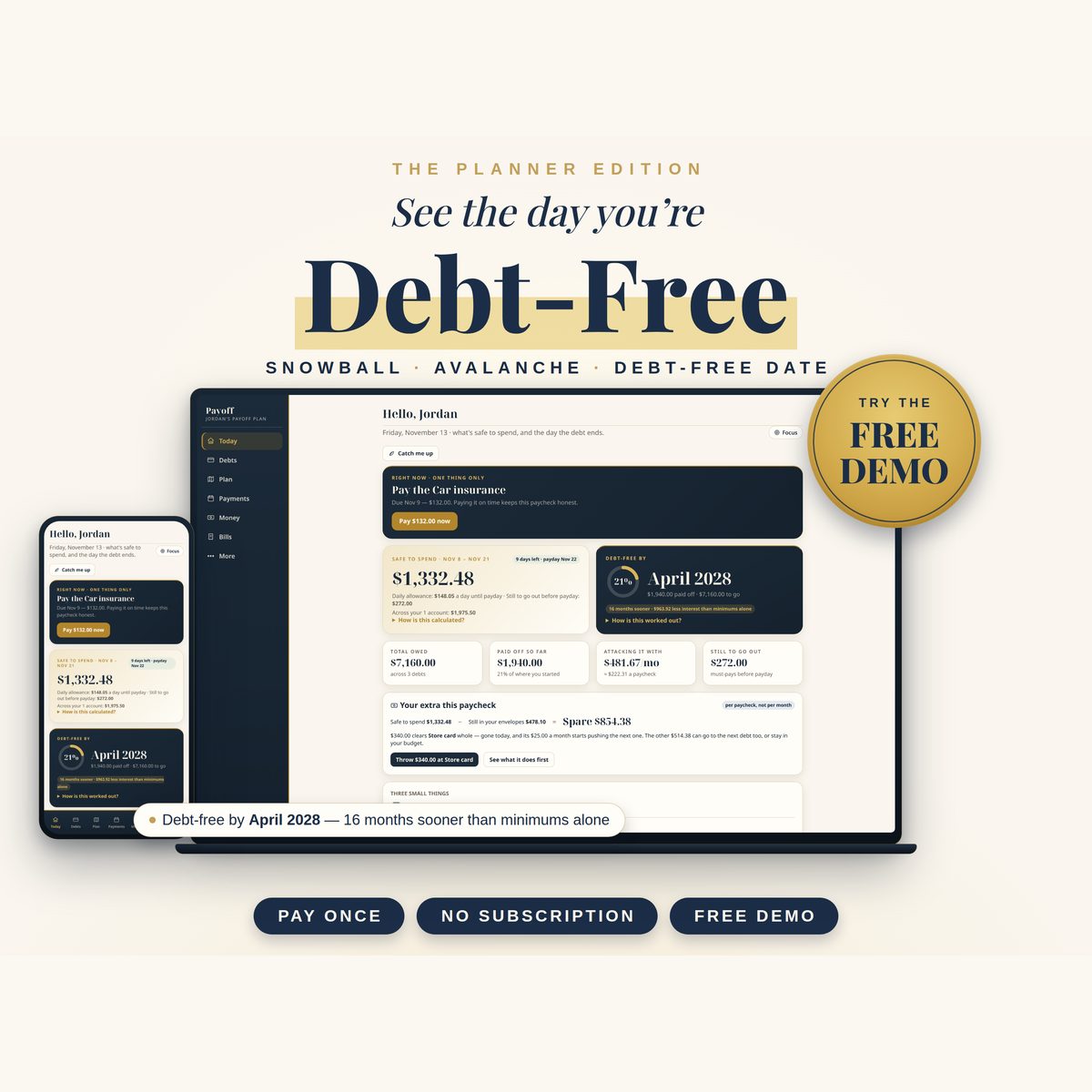
A debt payoff tracker that turns a list of debts into one clear plan - snowball or avalanche - with your estimated debt-free date and a Safe to Spend figure that holds back your minimum payments.
$11.50
Payoff Budget: ADHD Edition
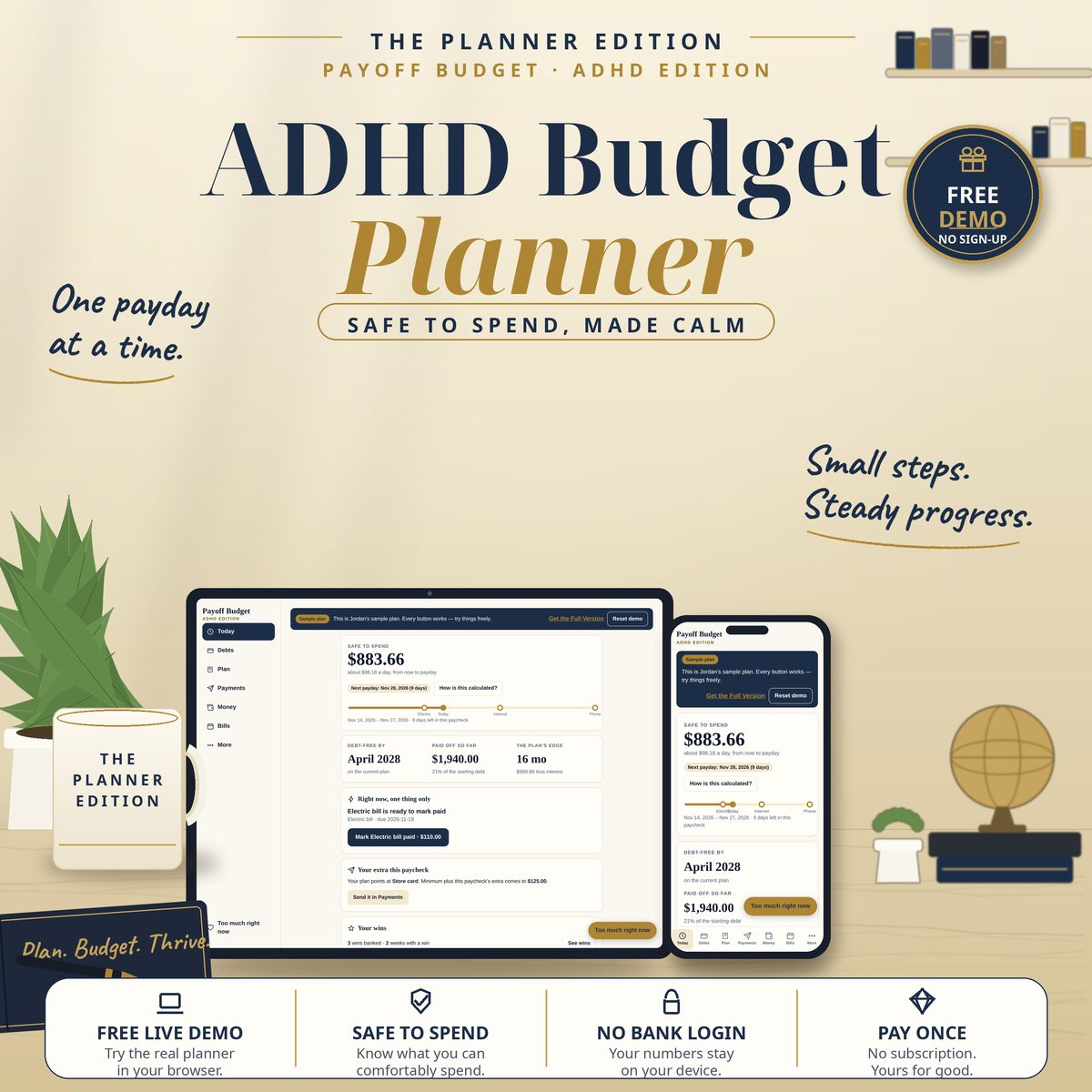
A paycheck budget planner with a full debt payoff engine and an ADHD-friendly layer: Safe to Spend, five payoff strategies, a Finish Line solver, and small-step screens that never shame you for a missed day.
$13.99
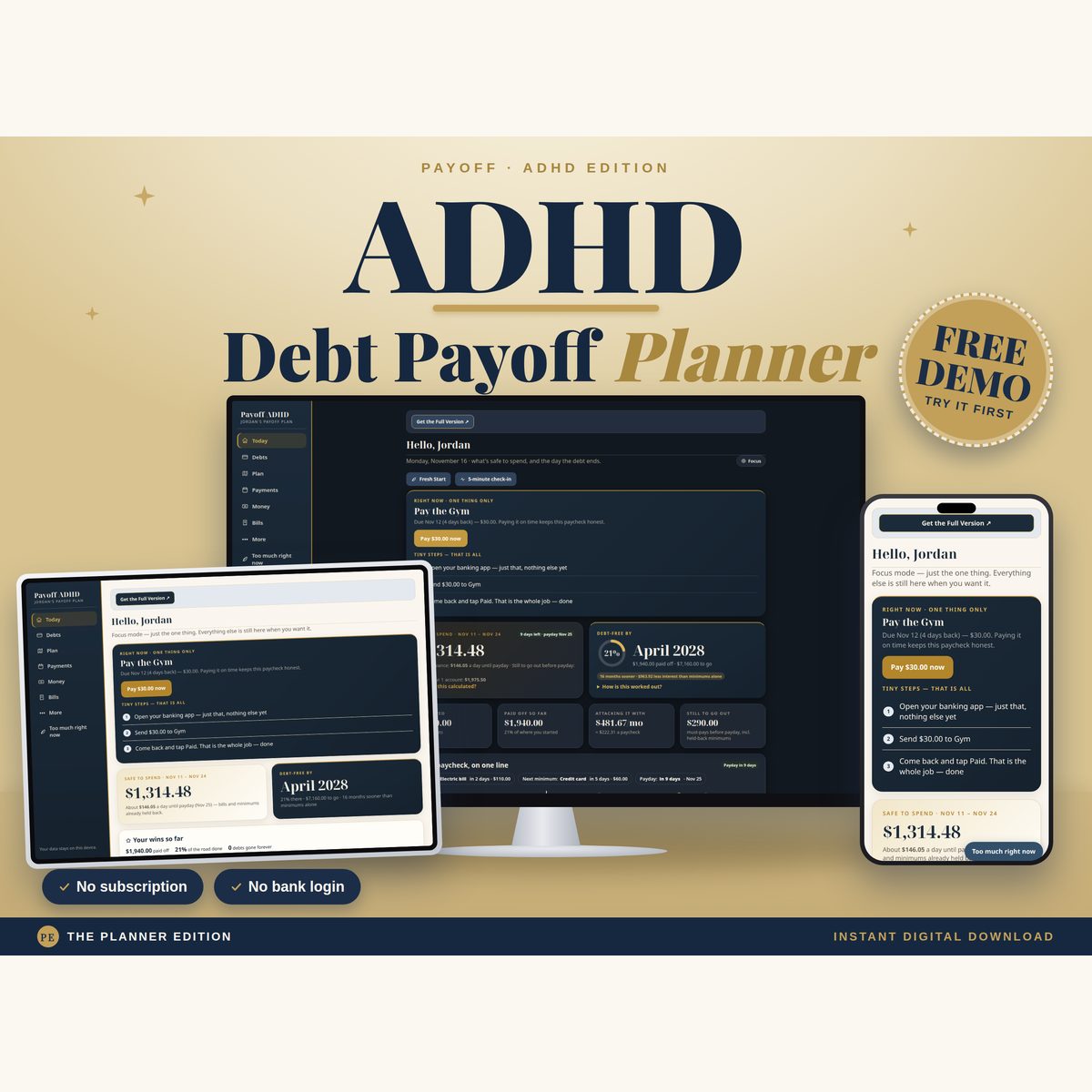
ADHD Debt Payoff Planner
A debt payoff planner with ADHD-friendly design throughout: Focus Today, Tiny Steps, an Impulse Pause, a Wins log with no streaks, and snowball or avalanche plans that use gentle, relative countdowns - never the word overdue.
$12.99